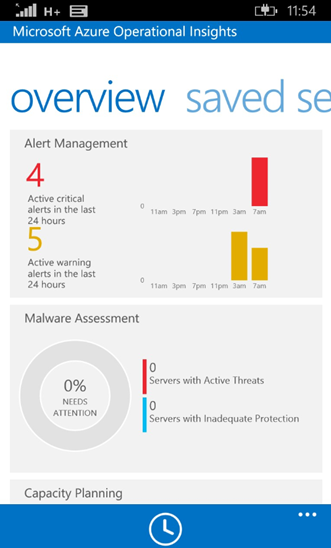
How to access Operational Insights from Windows Phone
Microsoft just recently announced the availability of Operational Insights App for Windows Phone: http://www.windowsphone.com/en-us/store/app/operational-insights/4823b935-83ce-466c-82bb-bd0a3f58d865?signin=true
The App require that you sign in with a Microsoft Account:
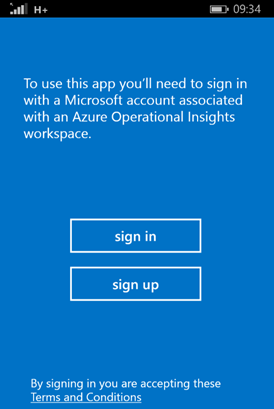 Many organizations, as ourselves, are using Organizational Accounts for our Azure and Office 365 services. Therefore, to be able to use this App I will need to create/use a Microsoft Account with access to my Operational Insights workspace.
First, I will need to log on to my workspace at https://preview.opinsights.azure.com
. From there I select the Settings icon, right beside the welcome message and the name of my workspace.
At settings, I click on Manage Users, and from there I can select to Add User:
Many organizations, as ourselves, are using Organizational Accounts for our Azure and Office 365 services. Therefore, to be able to use this App I will need to create/use a Microsoft Account with access to my Operational Insights workspace.
First, I will need to log on to my workspace at https://preview.opinsights.azure.com
. From there I select the Settings icon, right beside the welcome message and the name of my workspace.
At settings, I click on Manage Users, and from there I can select to Add User:
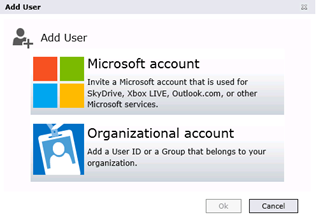 As my existing administrator account is an Organizational account, I will now add a Microsoft account, and select if that user should be Administrator or User role.
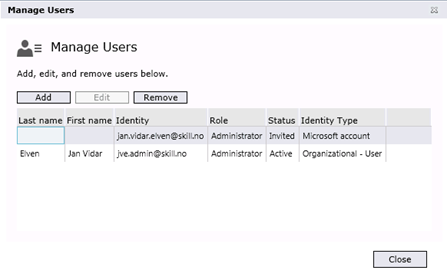 After adding the Microsoft Account, I receive an activation email which I have to complete for the user to be added.
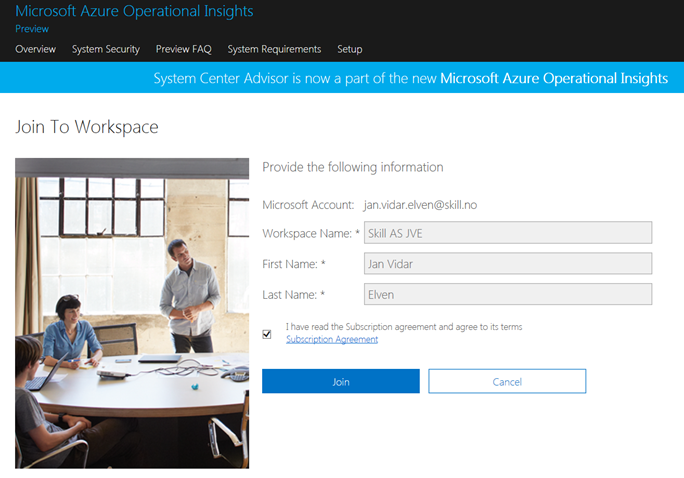
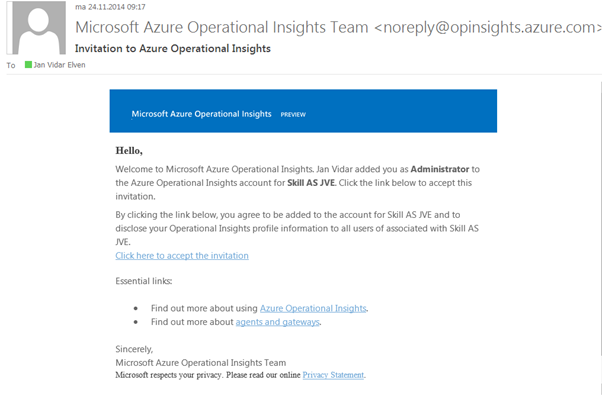 I activate the Microsoft account and join the workspace:
 After that, I am able to successfully log in with the Windows Phone App: