Missing groups prevents upgrade of Azure AD Connect
This is just a short blog article on a problem I experienced when upgrading Azure AD Connect from a previous version. This was a small environment where the Azure AD Connect server was running on the Domain Controller.
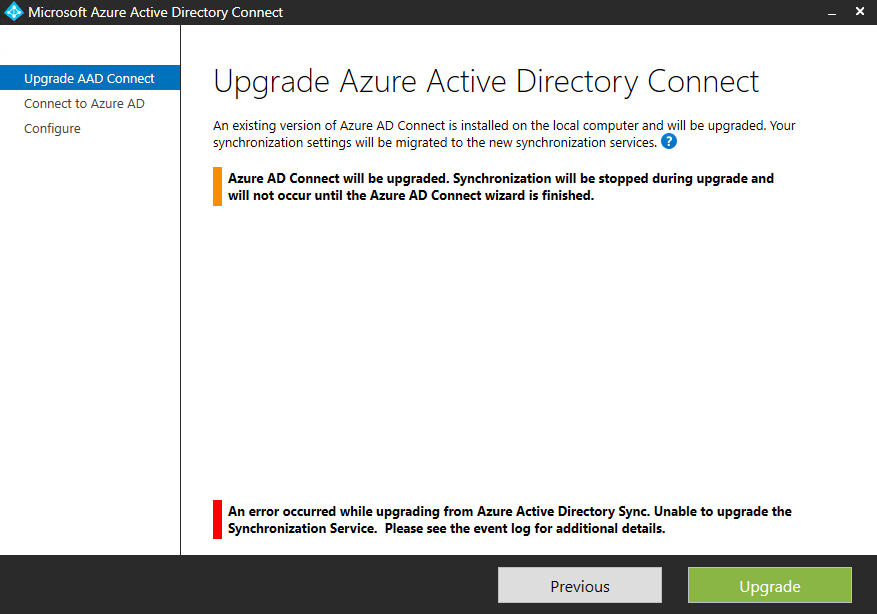
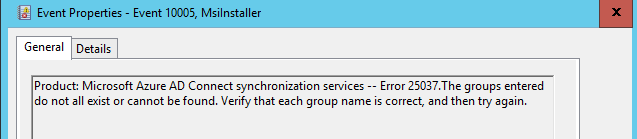
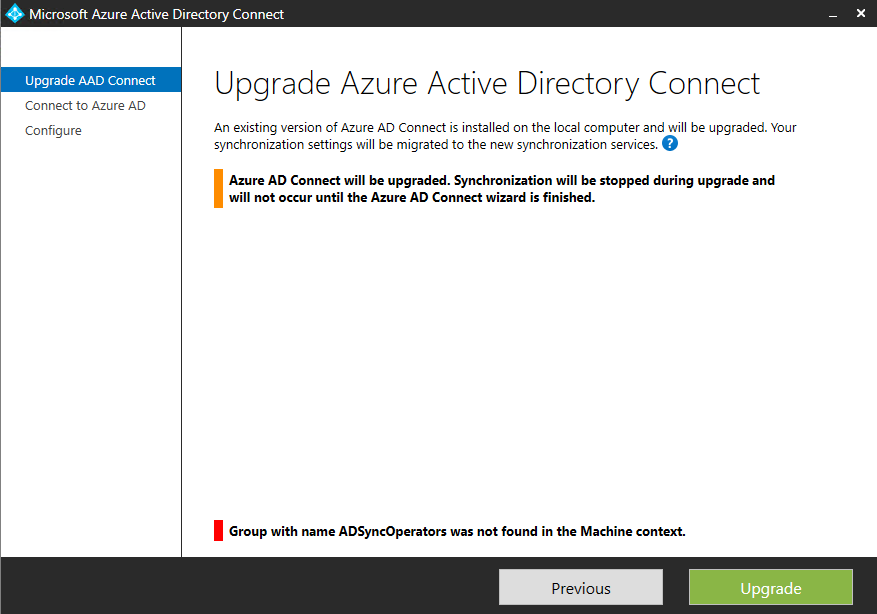
When starting the upgrade process I noticed that a message was displayed that a “Group with name ADSyncAdmins was not found in the Machine context”. When I clicked to Upgrade anyway, an error message was displayed that it was “Unable to upgrade the Synchronization Service”:
- ADSyncAdmins
- ADSyncBrowse
- ADSyncOperators
- ADSyncPasswordSet
After that I was able to successfully finish the upgrade of Azure AD Connect.